
Quickstart
Create your account, add your first AI Team and start your first session in about 5 minutes.
This guide takes you from a new account to a working session. You need an email address and a Claude account (Pro or Max) or a ChatGPT account.
- Create your account
Go to hq.aiworkforceone.com and select Create account. Enter your name, email and a password, then open the link in the email we send you to confirm your address.
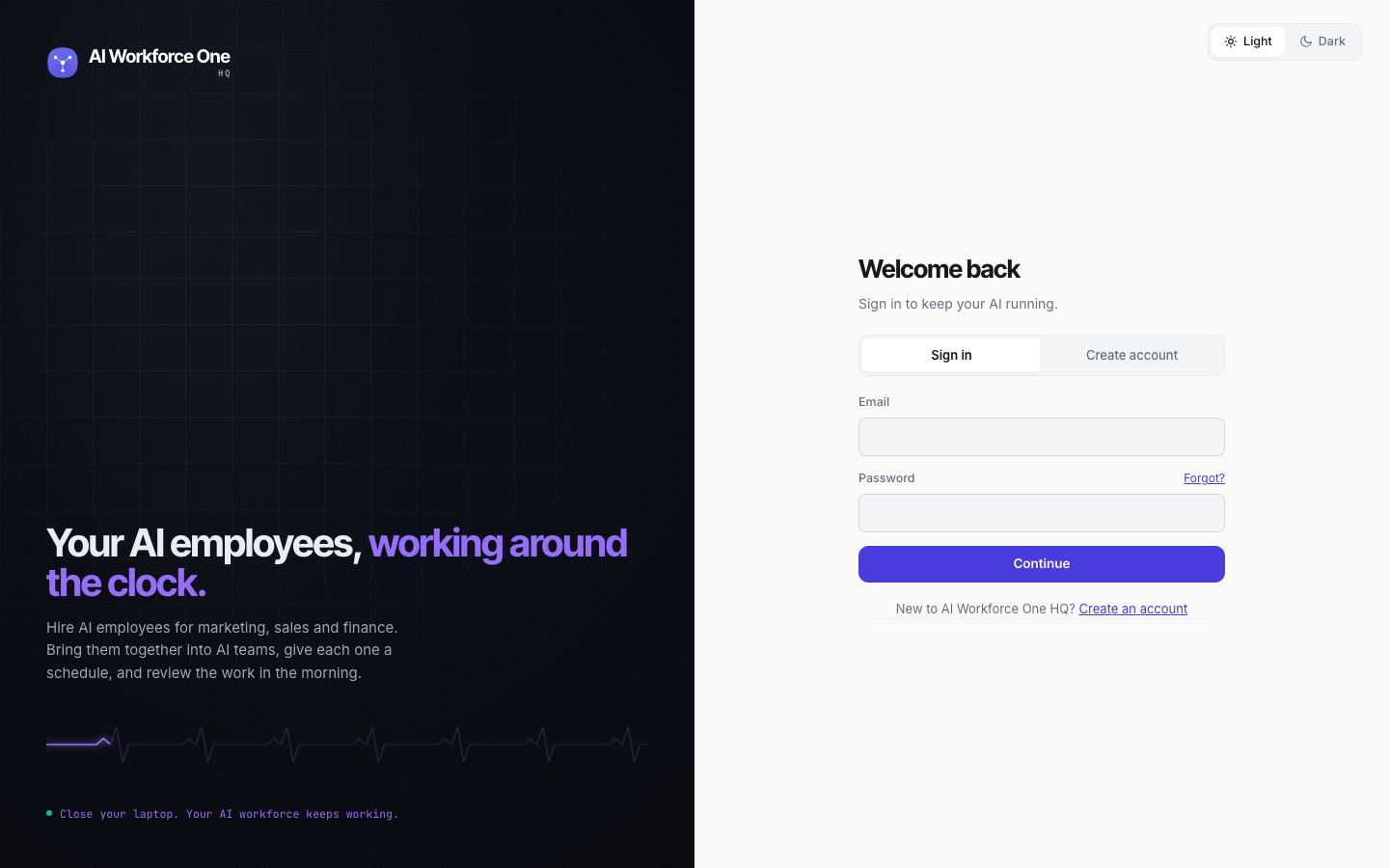
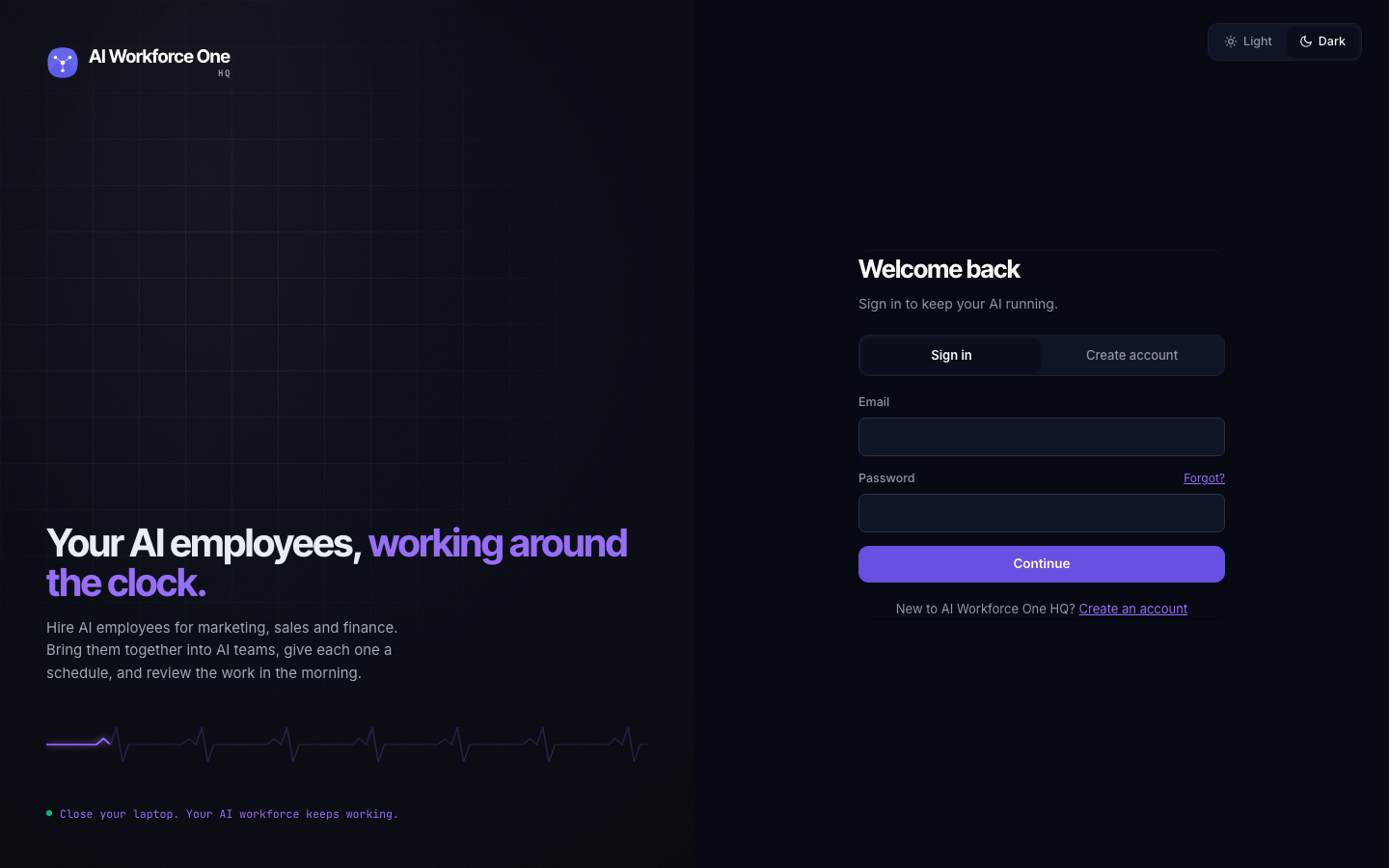
- Create your organization
Pick a plan, name your organization and select Continue to checkout. Every plan starts with a 14-day free trial. During the trial you have 1 AI Team for 1 person; the plan's full limits start when your paid plan does. See Billing and plans.
- Add your first AI Team
Open AI Teams in the sidebar and select Add AI Team. Choose From scratch, give the team a name, pick the engine (Claude Code or Codex) and select Create AI Team.
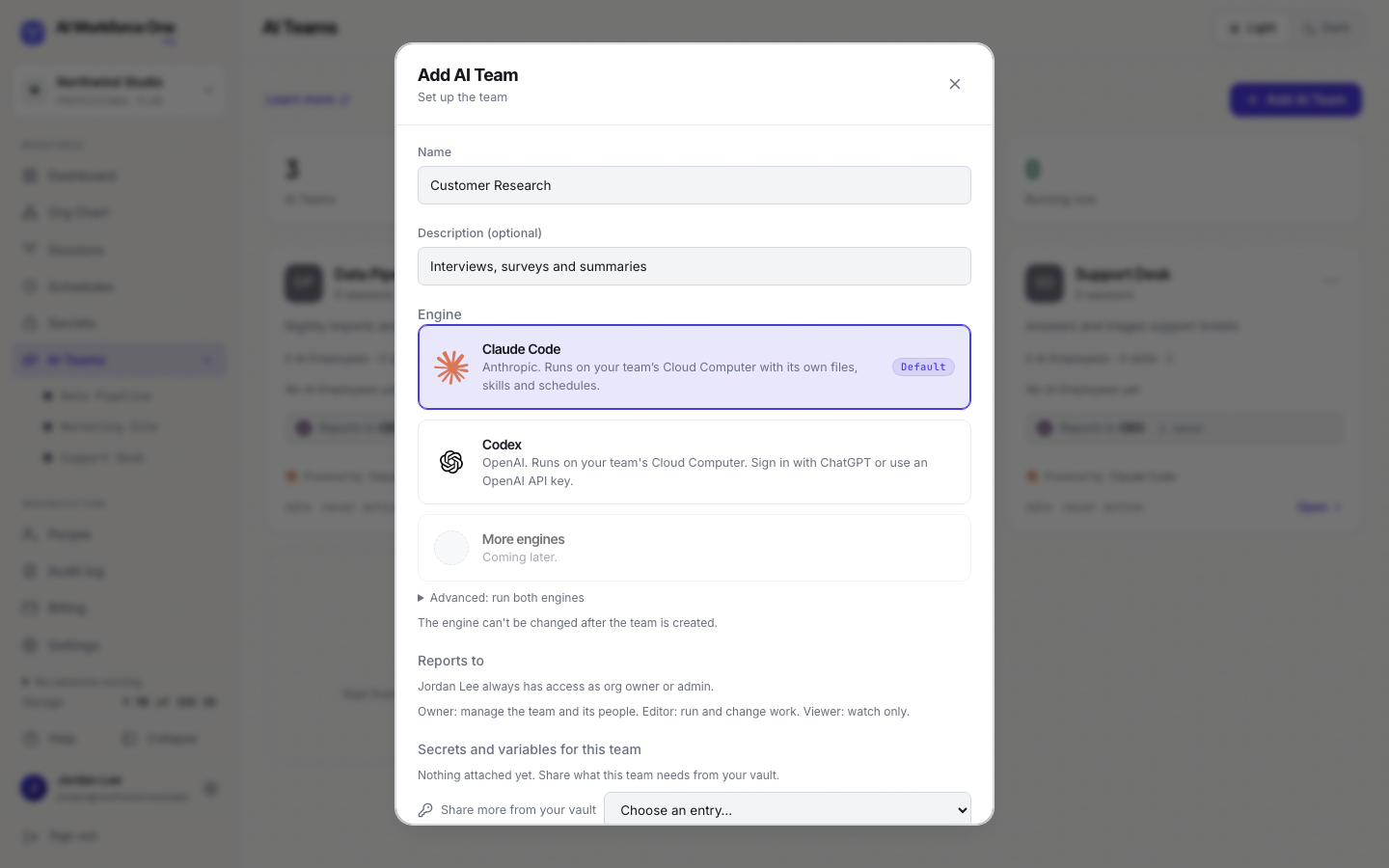
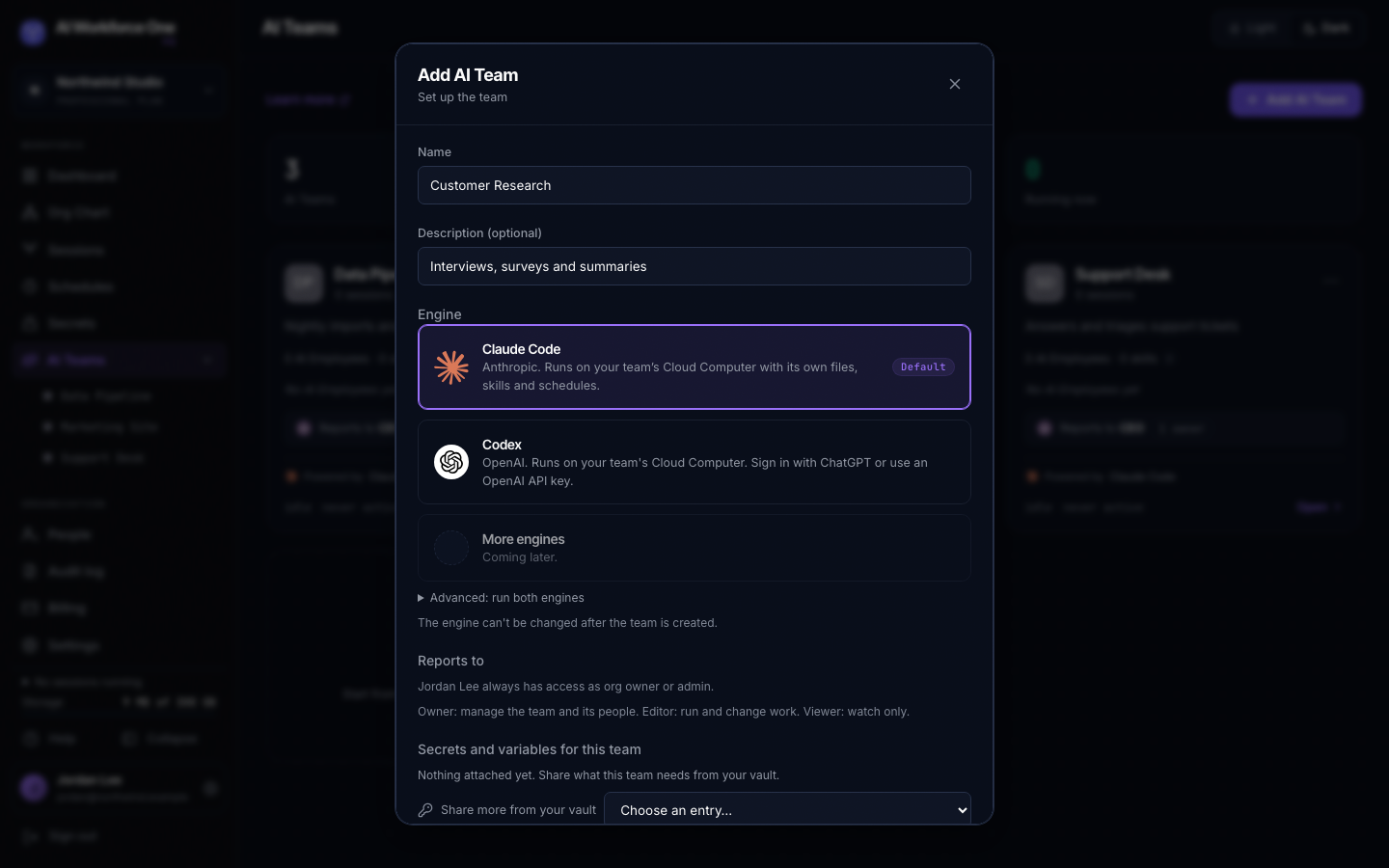
- Start a session
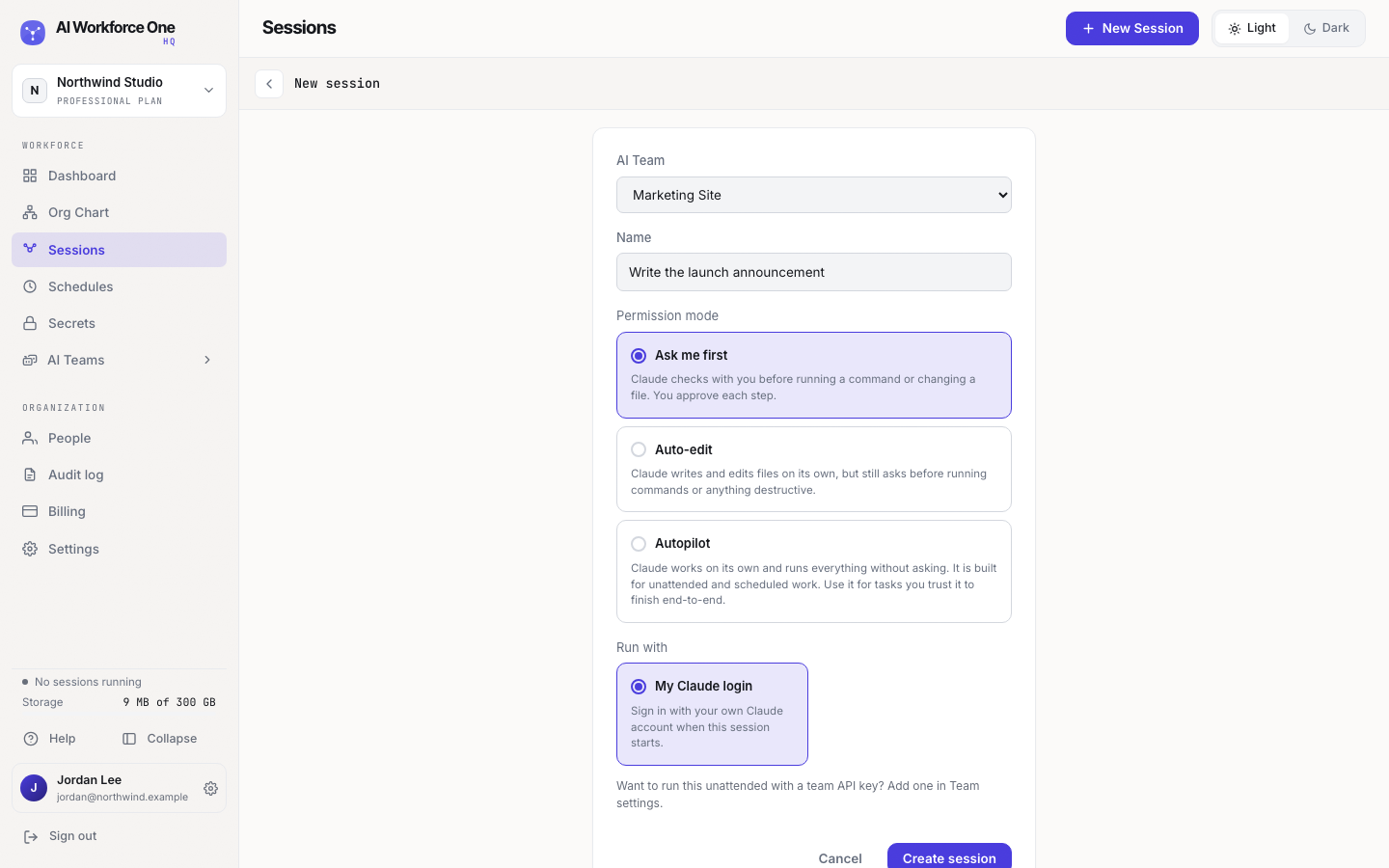
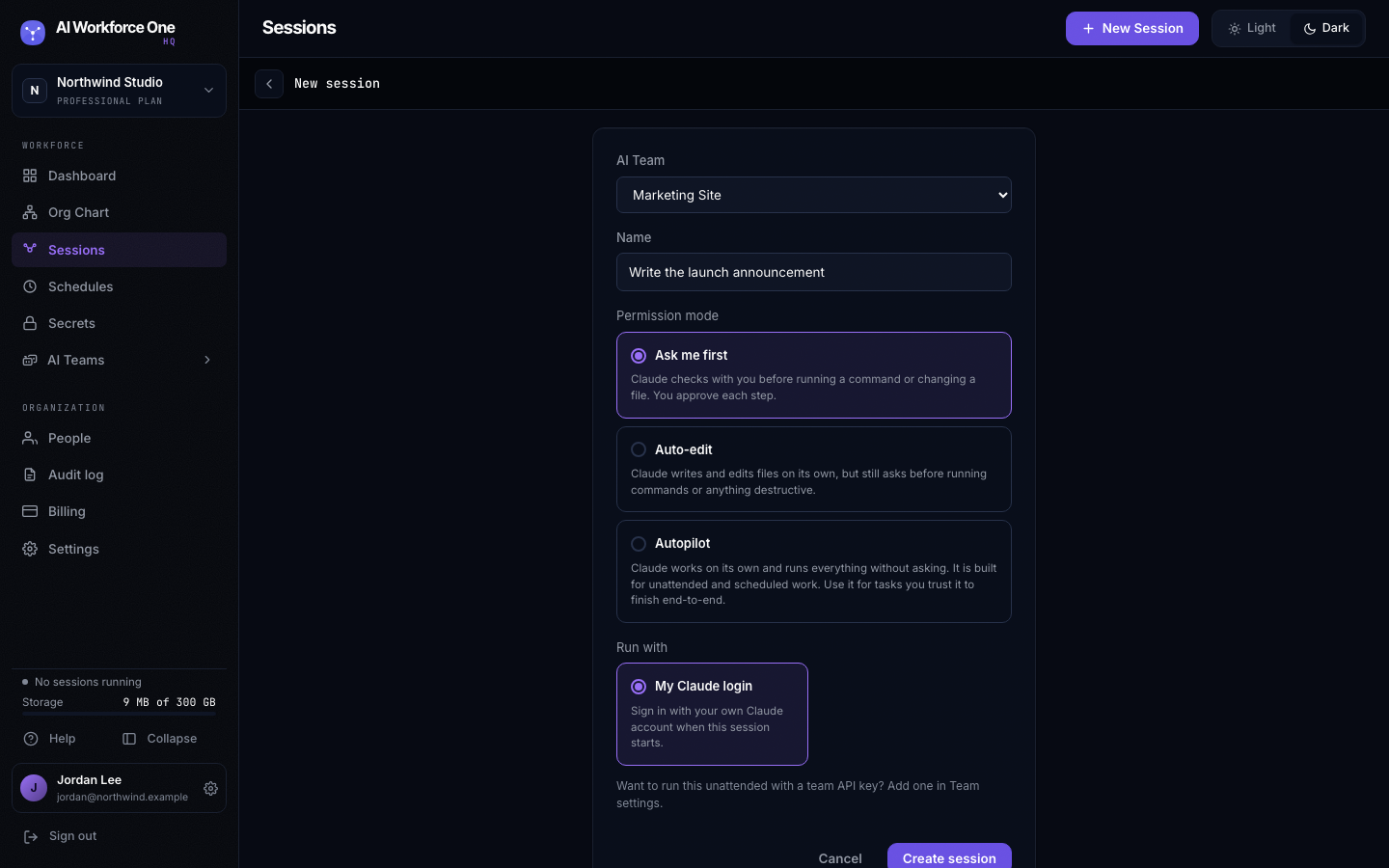
Select New Session, choose the AI Team, give the session a name and pick how much Claude may do on its own. Select Create session, then Start with my Claude login and sign in to Claude inside the terminal. The first start also starts the team's Cloud Computer, which can take a minute.
- Give it work
Type what you want done, like you would to a colleague. The session keeps running when you close the tab. Come back to it from Sessions or the dashboard.
The person who creates the organization is its owner and can do every step. Creating AI Teams is for owners and admins.