
Secrets and variables
Give your sessions the keys, tokens and settings they need. Secrets are encrypted and masked; variables are plain settings. Owners and admins manage organization secrets.
Your sessions receive secrets and variables as environment variables when they start.
- Secrets are encrypted at rest and masked in the terminal output, for API keys, tokens and passwords.
- Variables are plain settings, such as
NODE_ENV, and are visible in output.
They come at three levels. When two have the same name, the more specific one wins:
| Level | Where you set it | Who it applies to |
|---|---|---|
| Organization | Secrets in the sidebar | All AI Teams, or the teams you select |
| AI Team | The team's Secrets and Variables tabs | That team's sessions |
| Personal | Your profile, Secrets and variables | Only the sessions you own |
Claude itself signs in with claude login inside the session. Your Claude account is never stored as a secret.
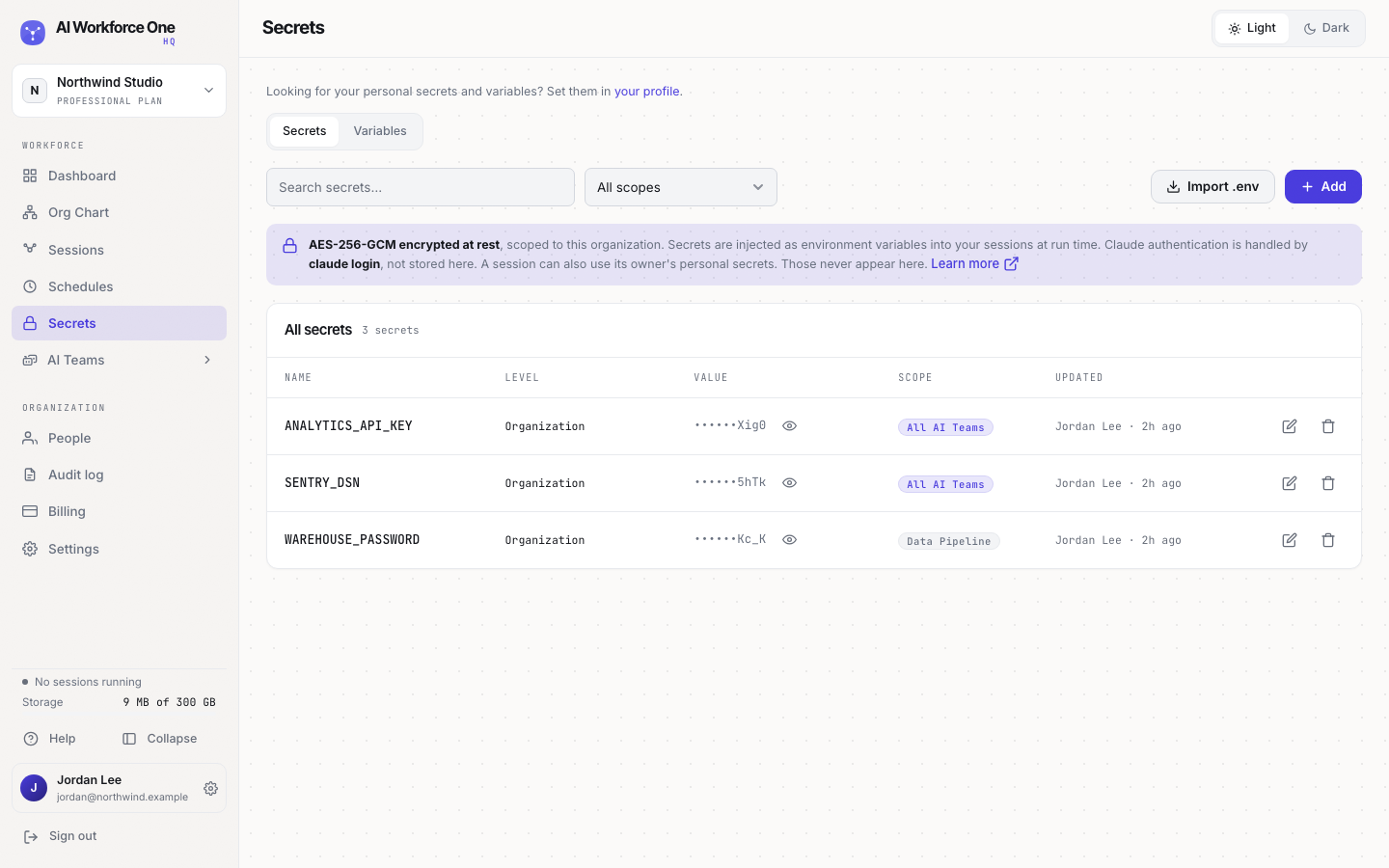
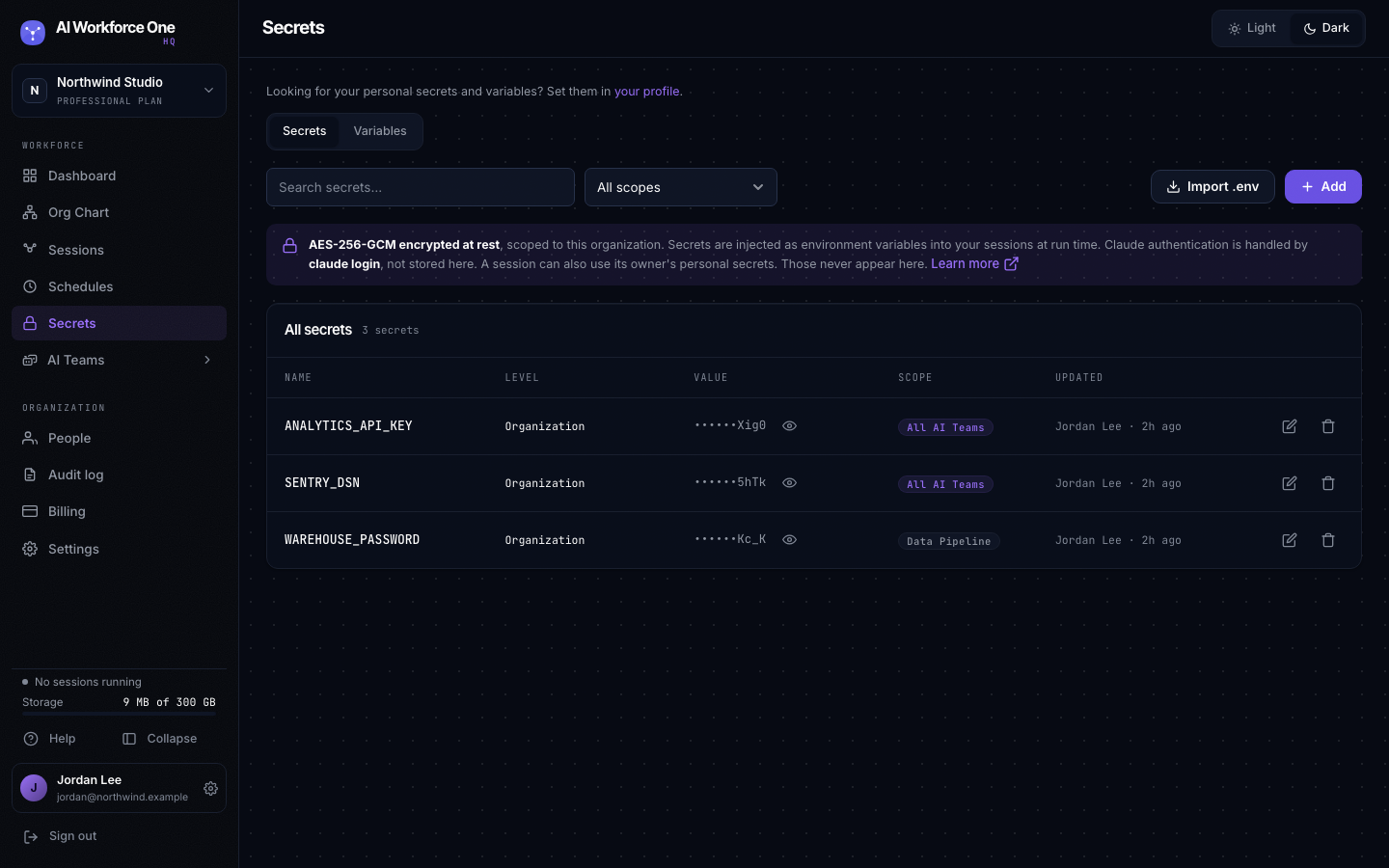
Add an organization secret
- Open Secrets
Select Secrets in the sidebar, then Add.
- Name it and paste the value
Keep Secret selected. Use the name your code expects, such as
SLACK_WEBHOOK_URL, and paste the value. - Choose the scope
All AI Teams, or Selected AI Teams and pick them. Select Add secret.
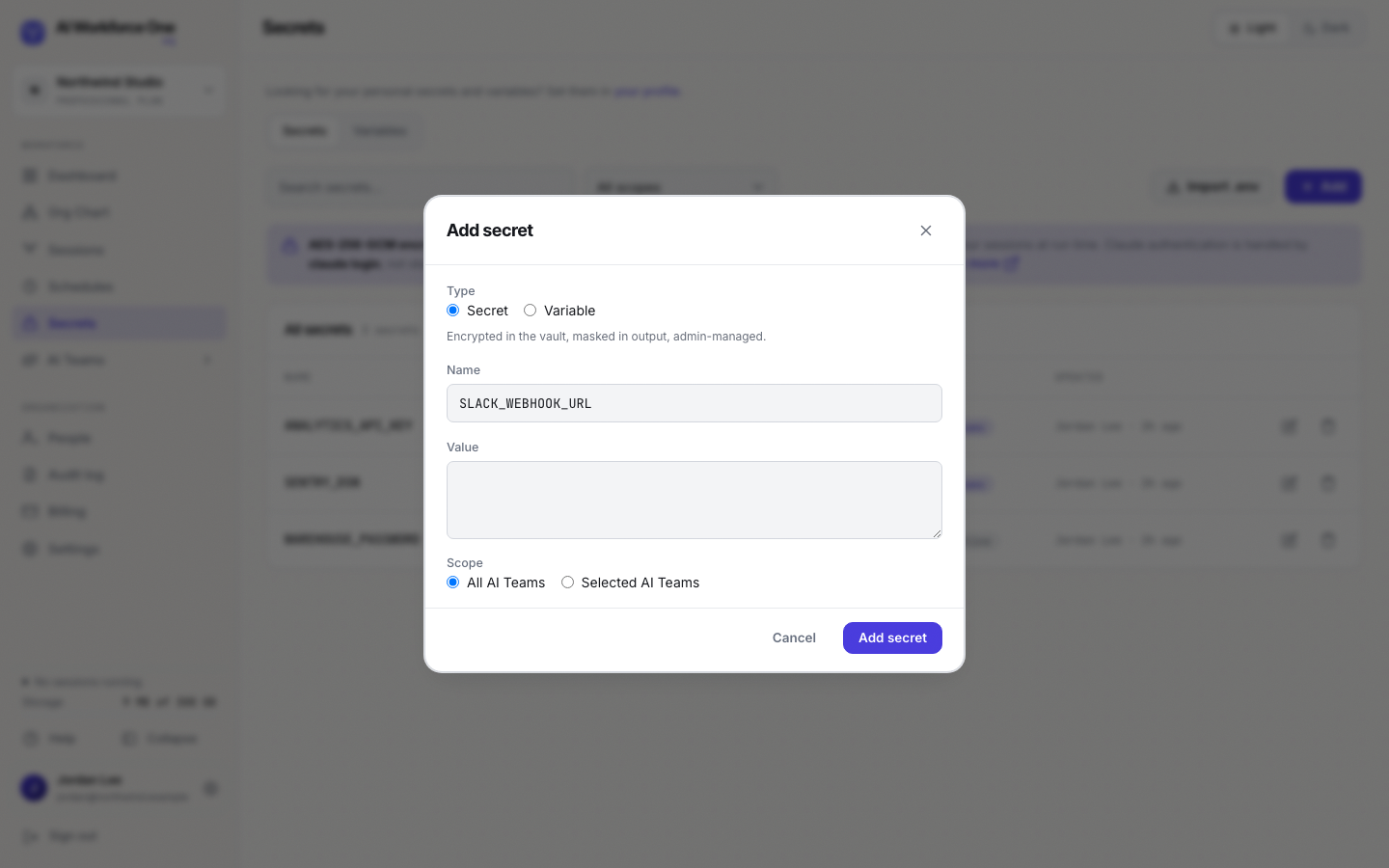
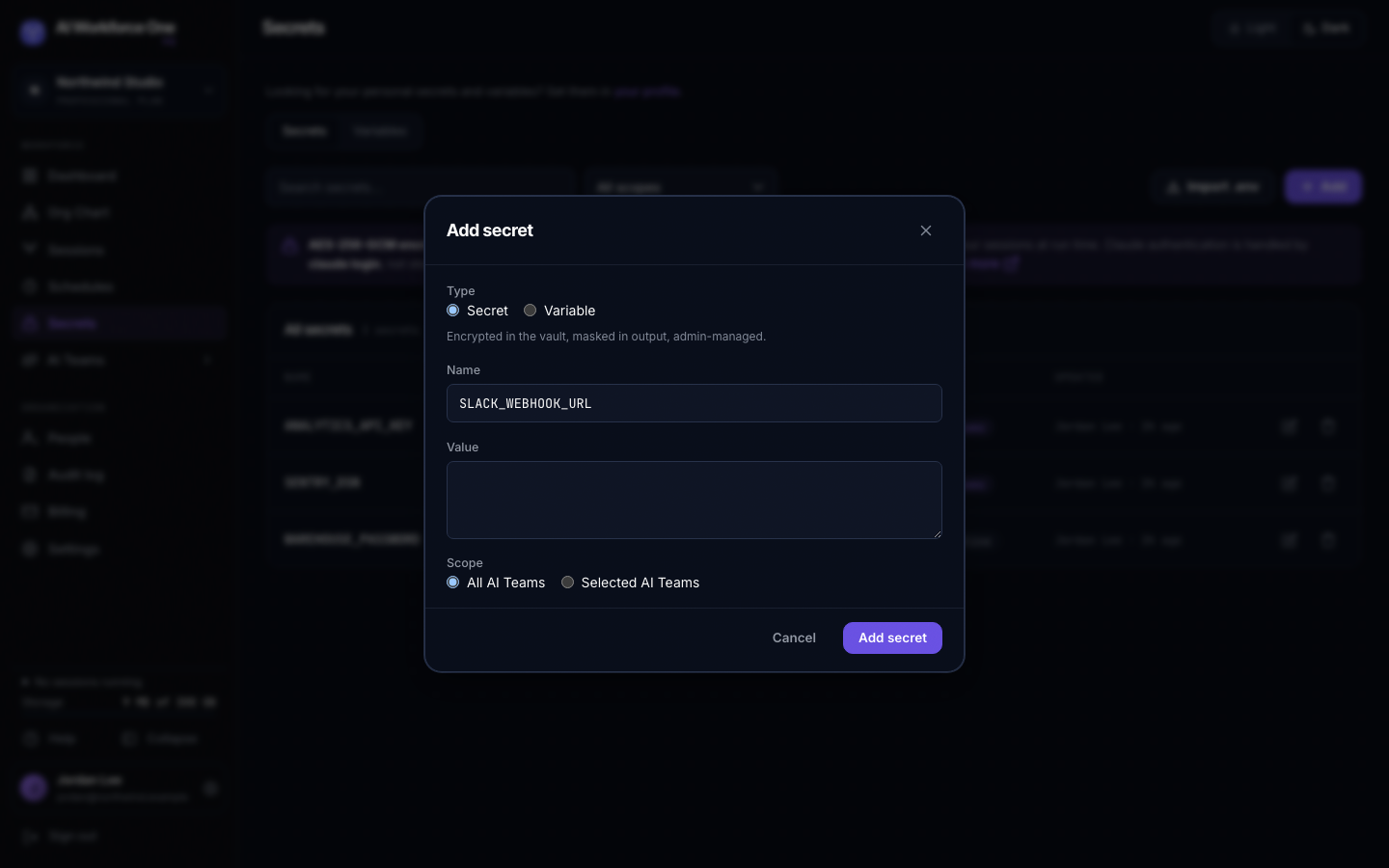
A change applies the next time a session starts. To add many at once, select Import .env and
choose a .env file.
Variables
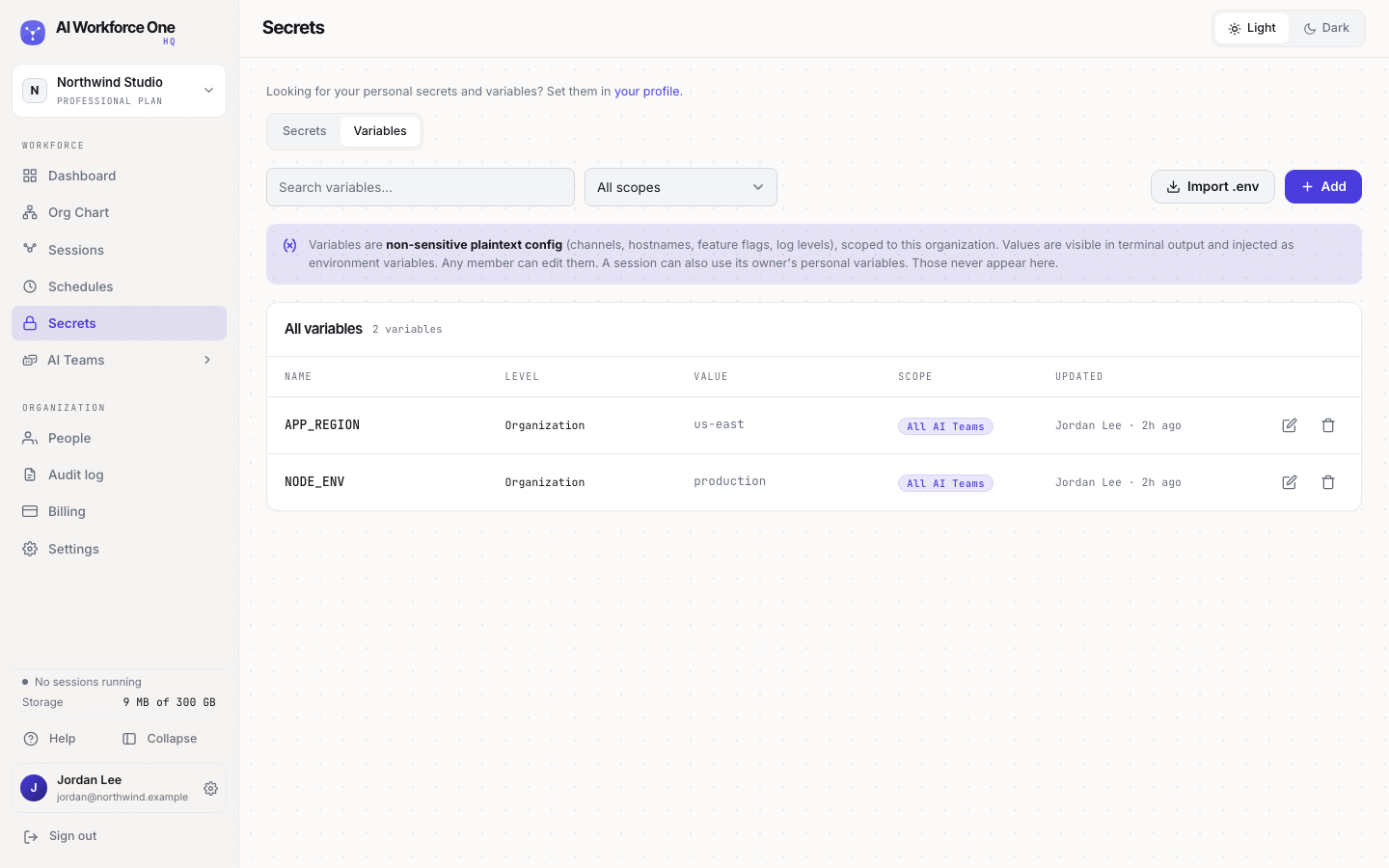
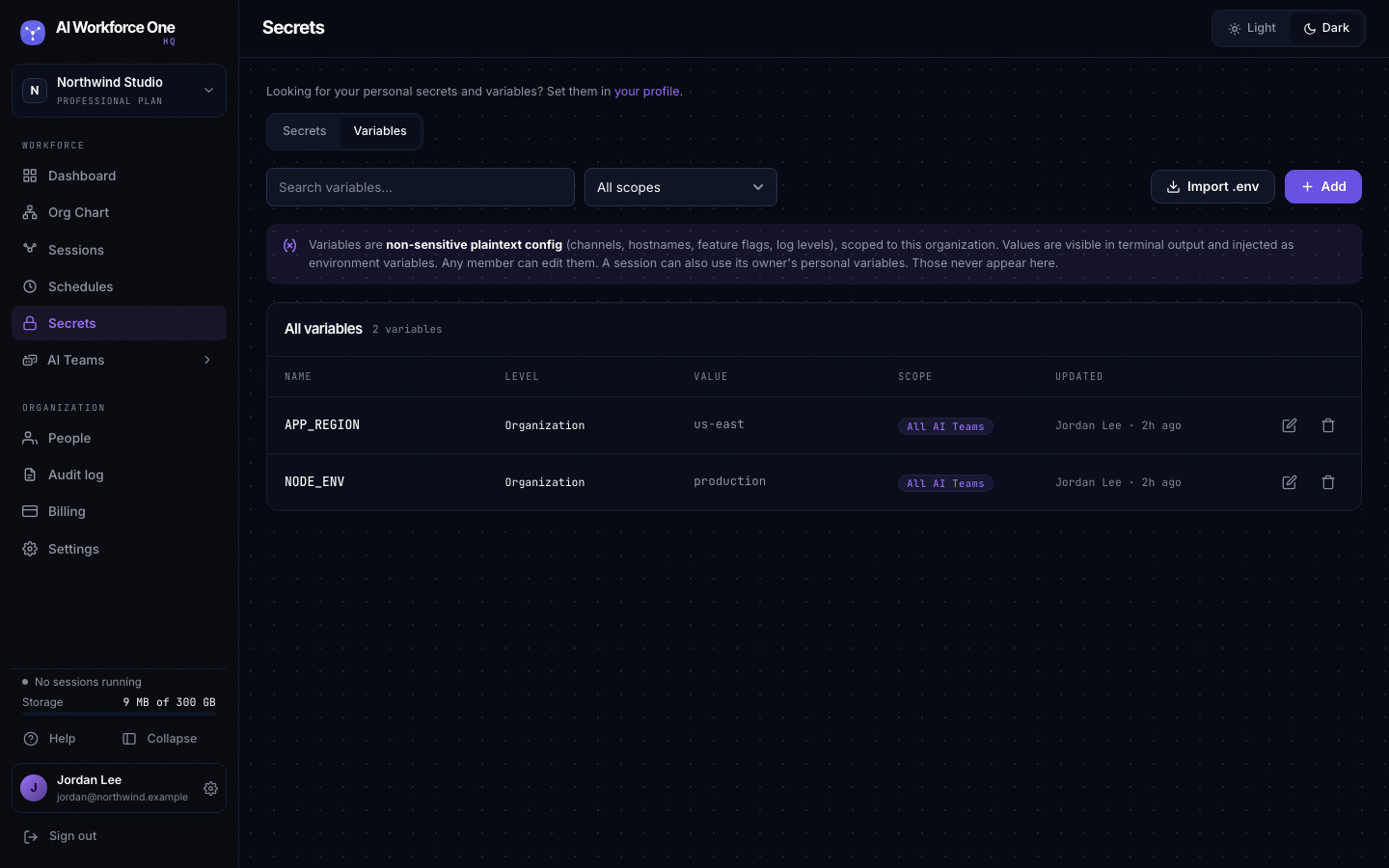
Open the Variables tab and select Add, or choose Variable in the same dialog. Variables are visible in output, so never put a secret in one.
Team secrets
Open an AI Team and its Secrets tab to add secrets only that team gets. Its Variables tab also shows the organization variables the team receives.
See a secret's value
Select the eye next to a secret to reveal it, then Copy. Revealing a value is recorded in the audit log as "Revealed a secret".
Organization owners and admins see, add and reveal organization secrets. Team owners manage their team's secrets. Everyone in the organization can see and change organization variables.