
Audit log
A record of who did what in your organization, newest first, that you can filter and export. Owners and admins read it.
HQ records every change in your organization: sign-ins, AI Teams created, secrets added or revealed, people invited, sessions started and stopped, plan changes and more. Secret values are never recorded, only their names.
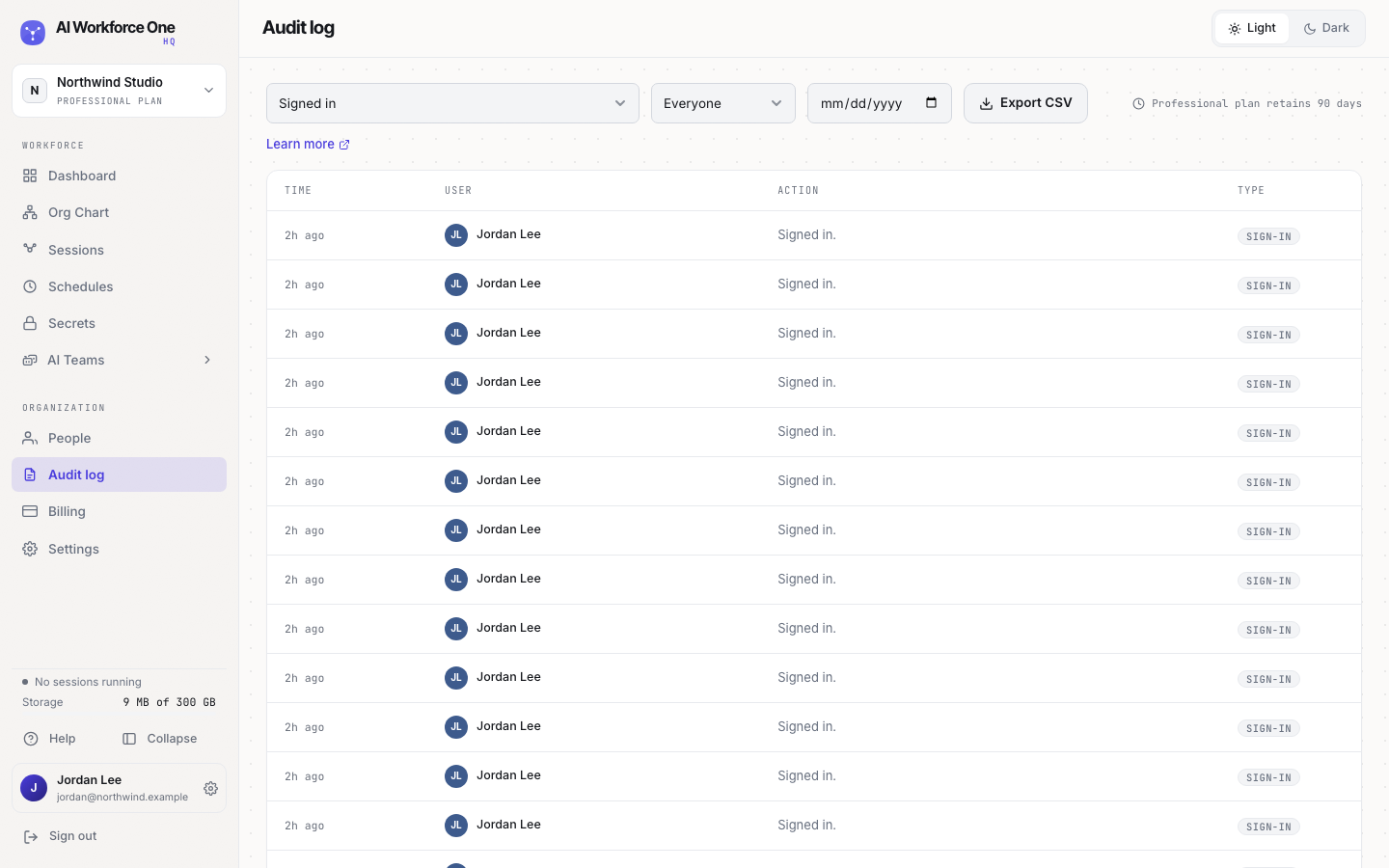
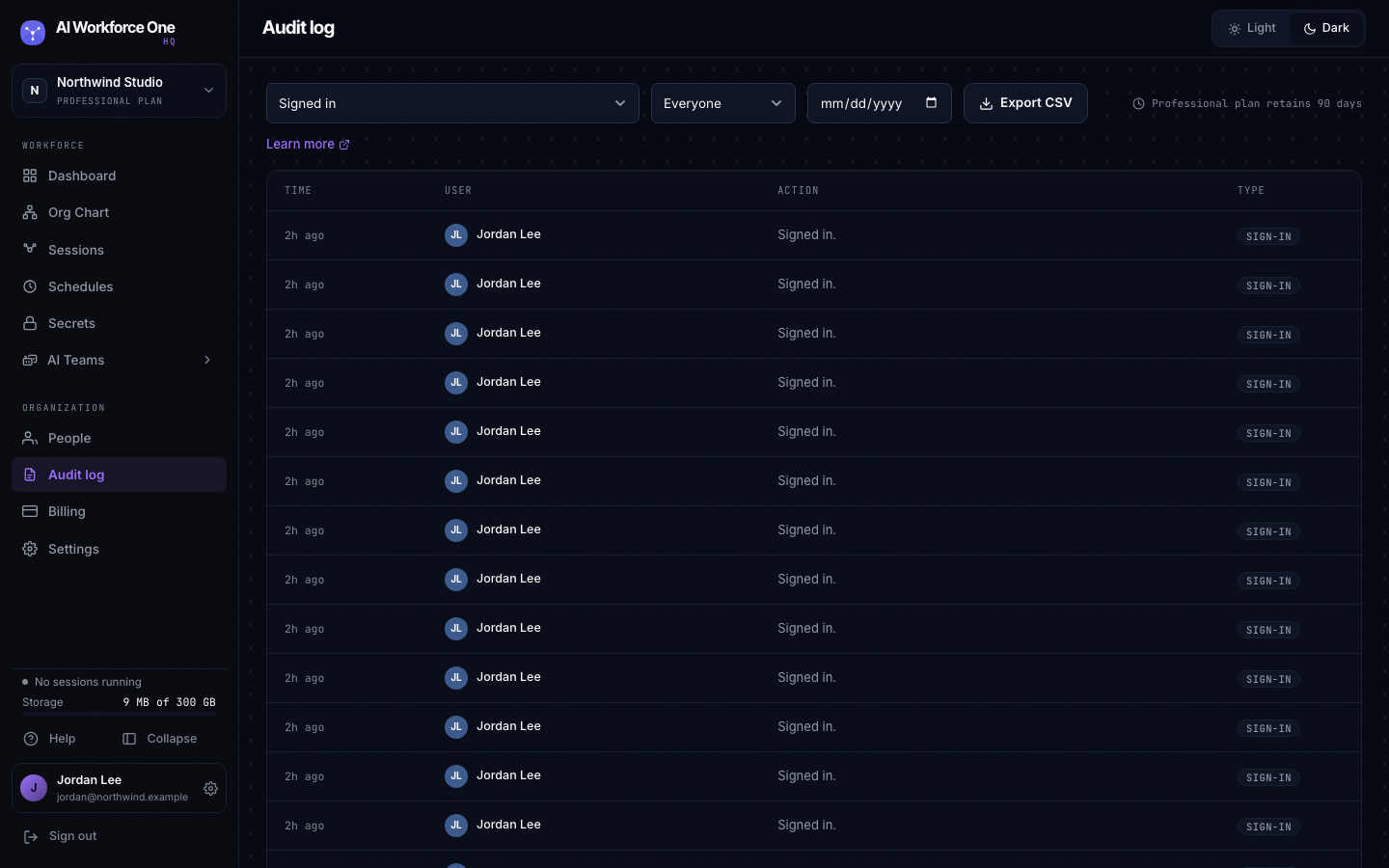
Find something
- Open the Audit log
Select Audit log in the sidebar.
- Filter
Choose an action (for example Invited a person), a person, or a date.
- Export, if you need a copy
Select Export CSV. The file is safe to open in spreadsheet apps.
How long entries are kept depends on your plan: 7 days on Solo and Starter, 30 days on Growth and 90 days on Professional. The page says how long yours keeps them.
Sessions started from the hq CLI or VS Code are recorded too, with the computer they came from.
Every time HQ Support looks at your organization, it is recorded here as well.
Organization owners and admins read and export the audit log. Nobody can change or delete it.